
Tatsumi

Nothing between you and the file.

Bit-perfect playback for the library you already own.

Player · Purchase coming soon · macOS / Windows
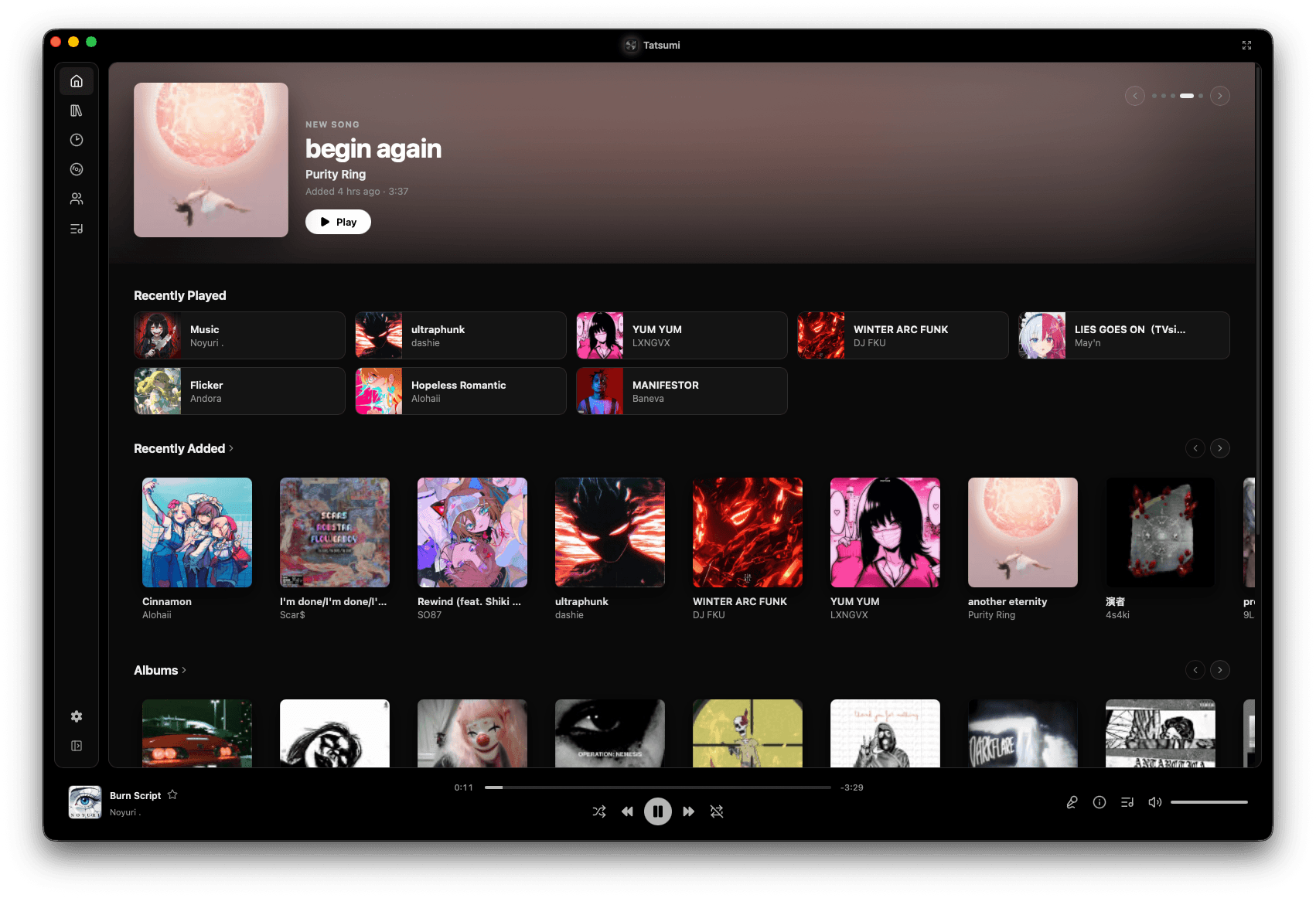
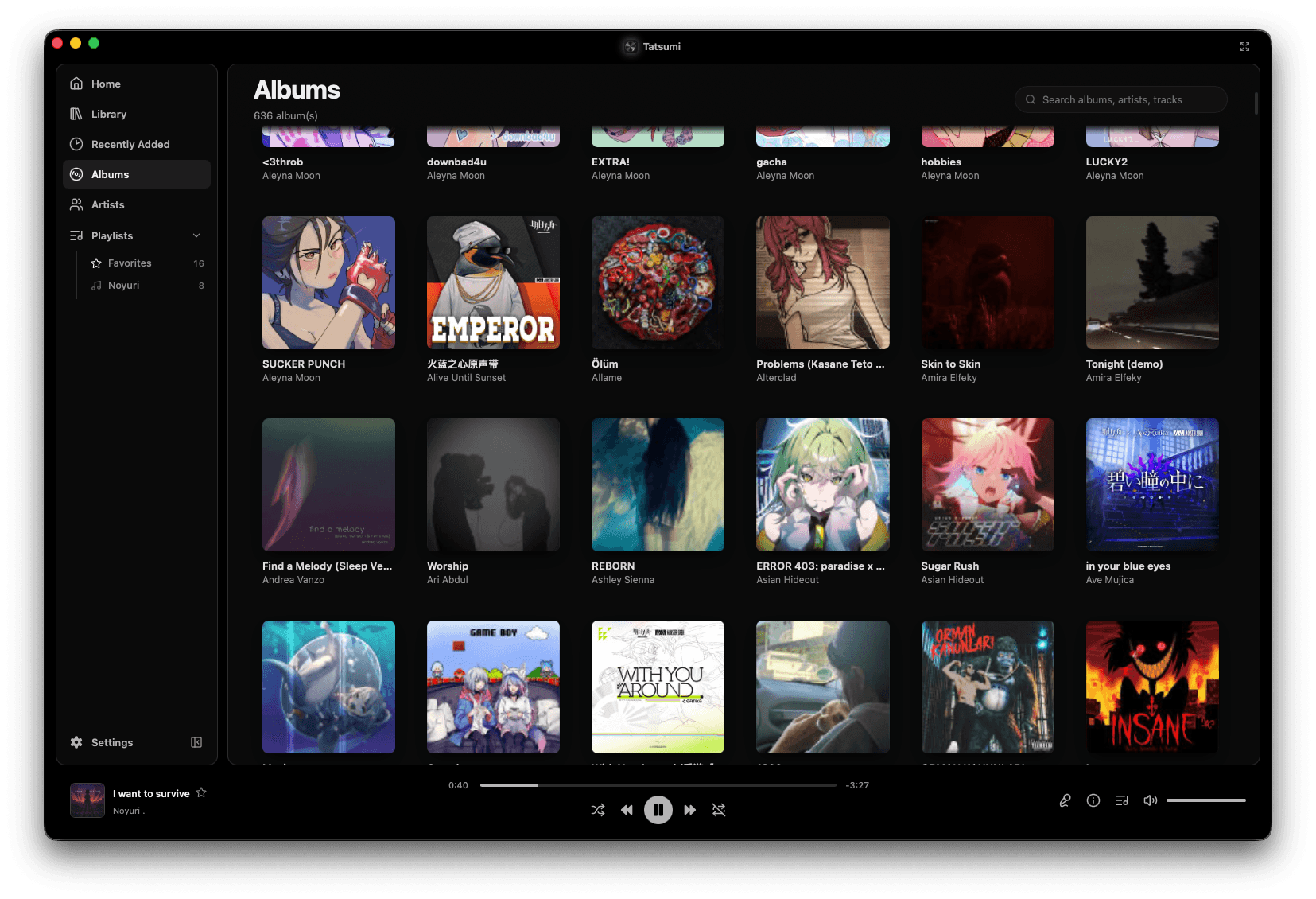
Tatsumi's home screen: a New Song hero for begin again by Purity Ring, then Recently Played, Recently Added and Albums rows of cover art

Your files. Your device. Nothing between.

Tatsumi's home screen: a New Song hero for begin again by Purity Ring, then Recently Played, Recently Added and Albums rows of cover art

It knows what every track is.

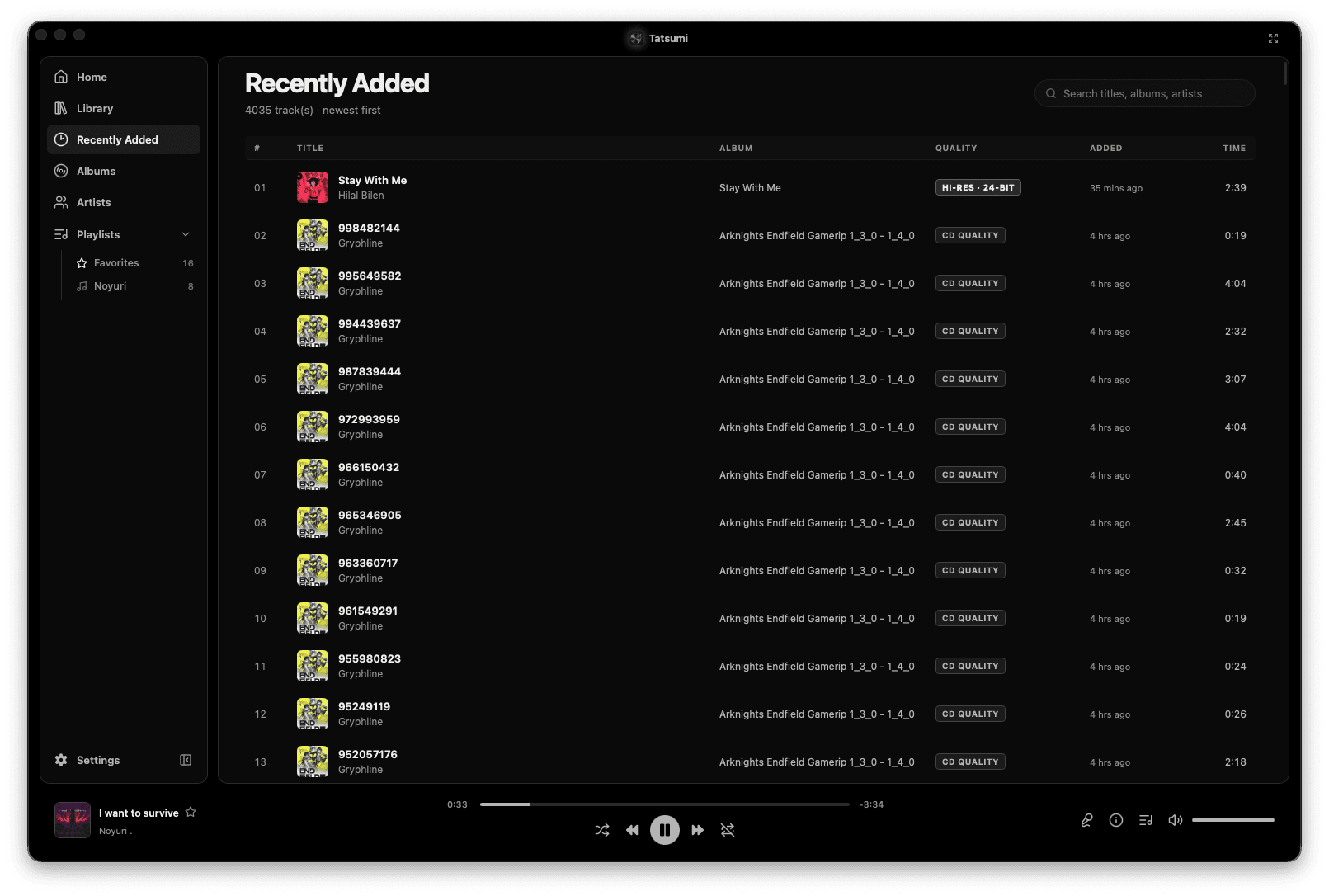
Quality badgesAlbums & artists from tagsFolders or a server
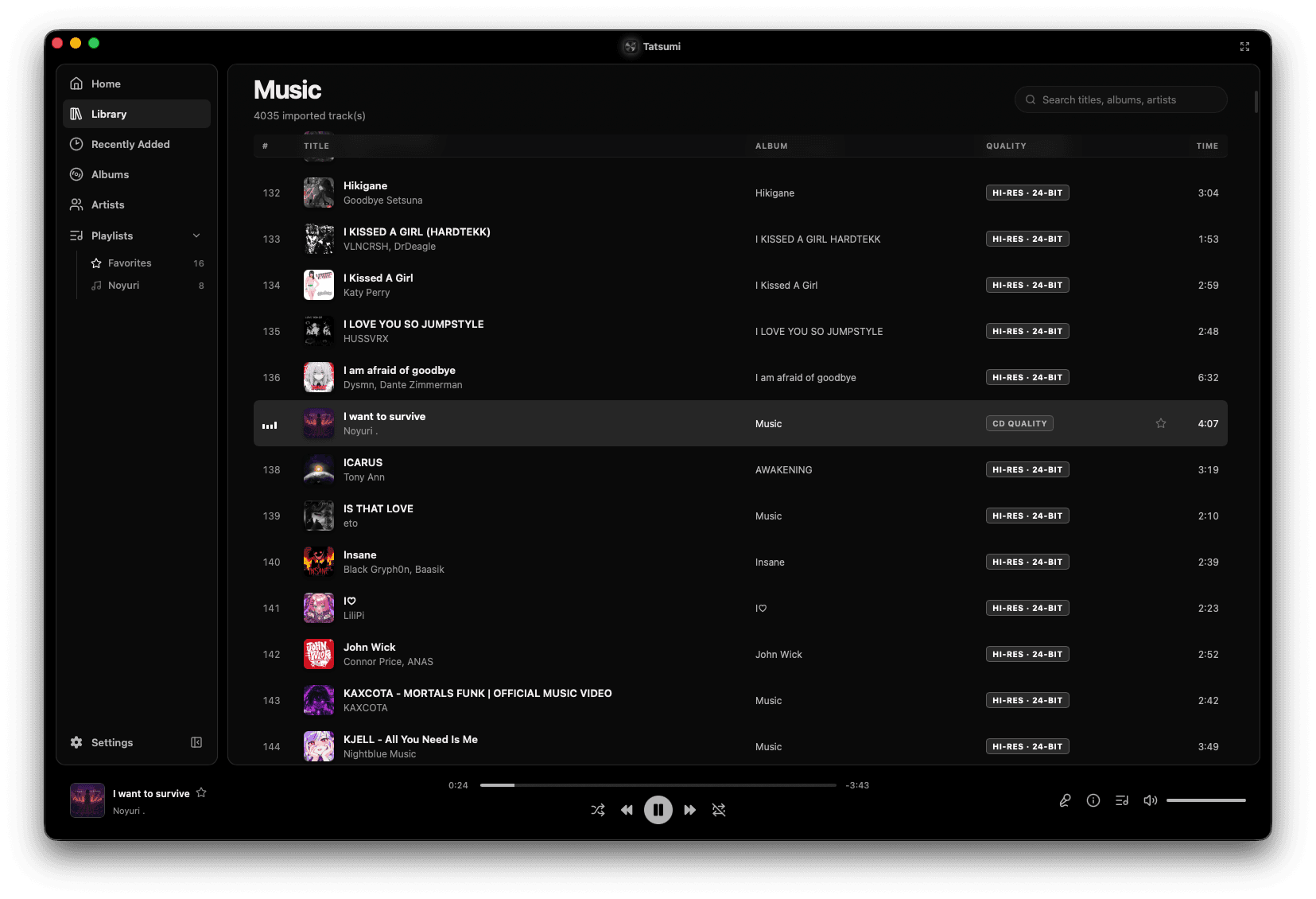
Tatsumi's Music library: 4035 imported tracks in a table with title, album, a per-track quality badge reading HI-RES · 24-BIT or CD QUALITY, and duration
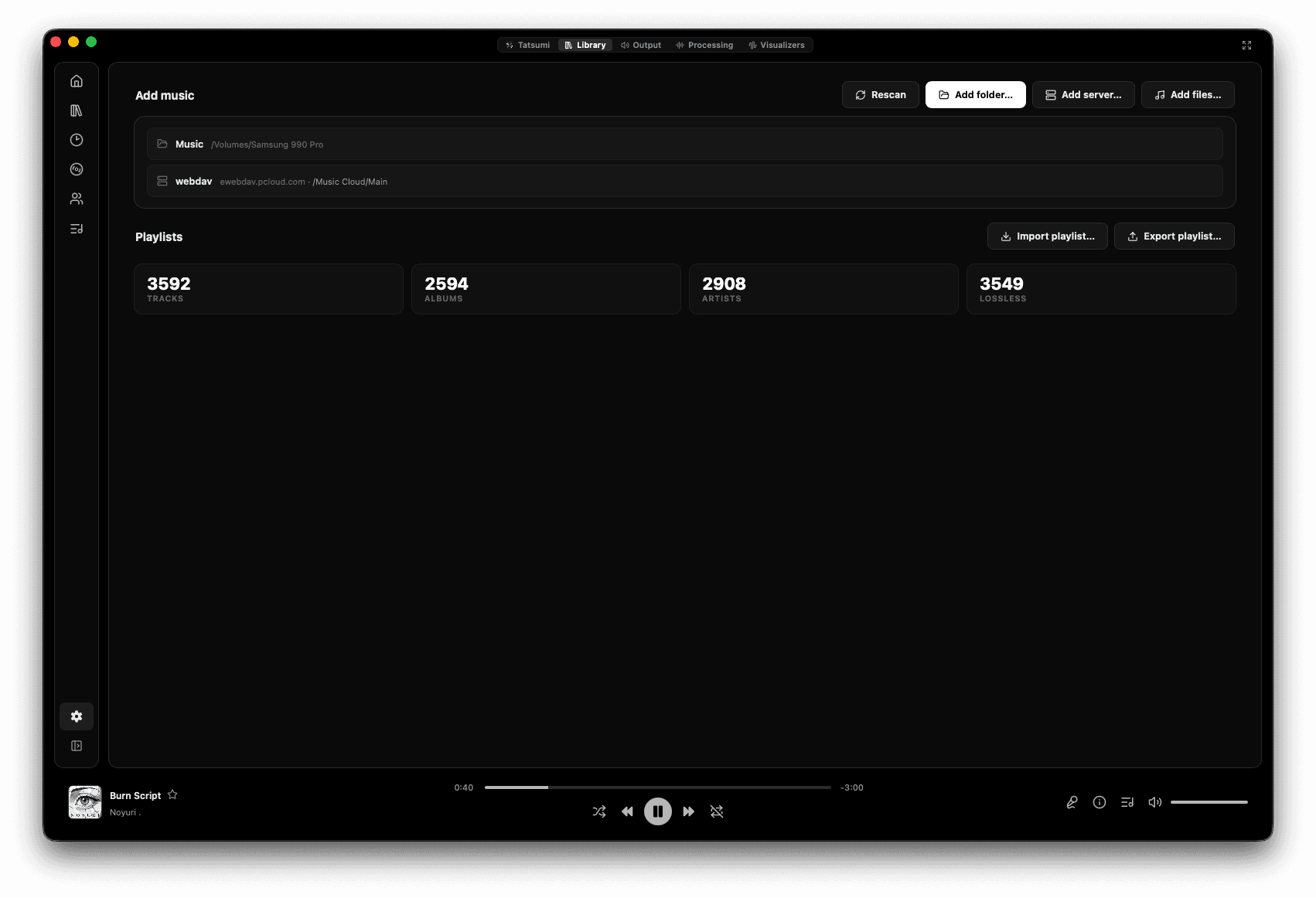
Tatsumi's Library settings: a watched Music folder and a WebDAV server as sources, with rescan, add folder, add server and add files, playlist import and export, and counters reading 3592 tracks, 2594 albums, 2908 artists and 3549 lossless

48 kHz in. 48 kHz out. Untouched.

Signal path on screenBit-perfect badgeEQ off by default
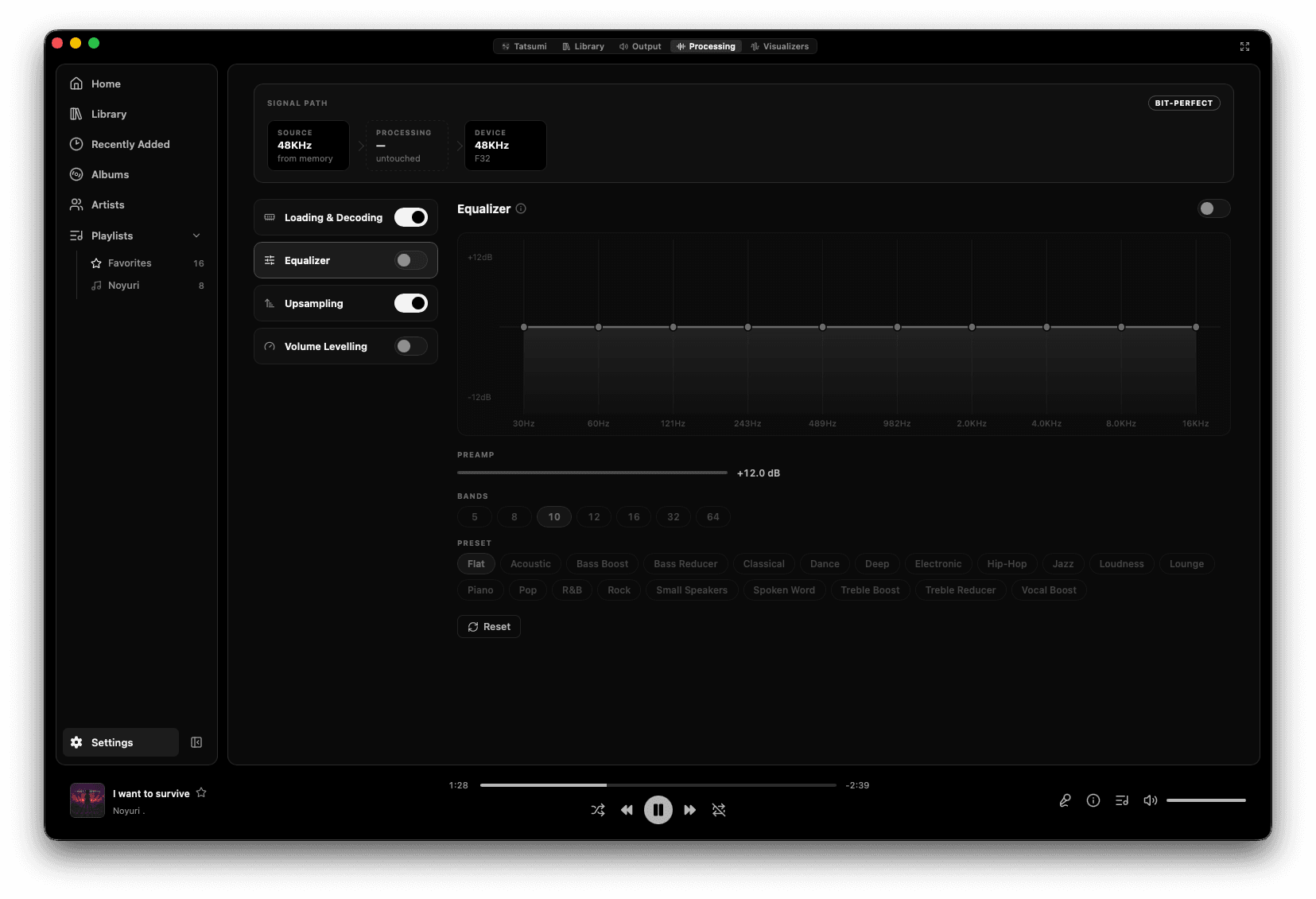
Tatsumi's Processing settings: a signal path from a 48KHz source through untouched processing to a 48KHz F32 device with a BIT-PERFECT badge, beside toggles for loading and decoding, equalizer, upsampling and volume levelling, and a ten-band equalizer with preamp and presets
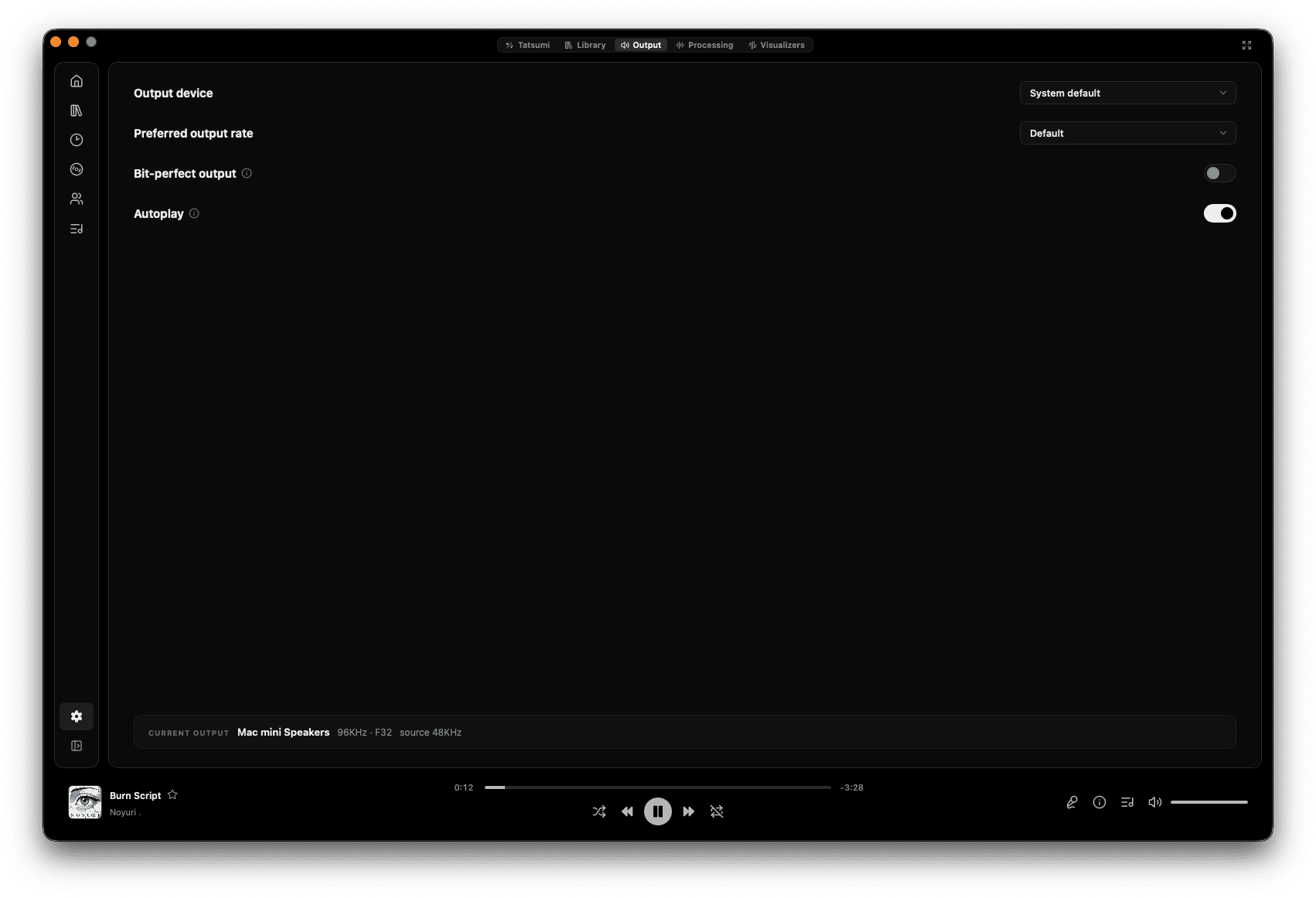
Tatsumi's Output settings: an output device picker, a preferred output rate, a bit-perfect output toggle, an autoplay toggle, and a current-output read-out reading Mac mini Speakers, 96KHz, F32, source 48KHz

Get the window out of the way.

ArtworkLyricsVisualizer
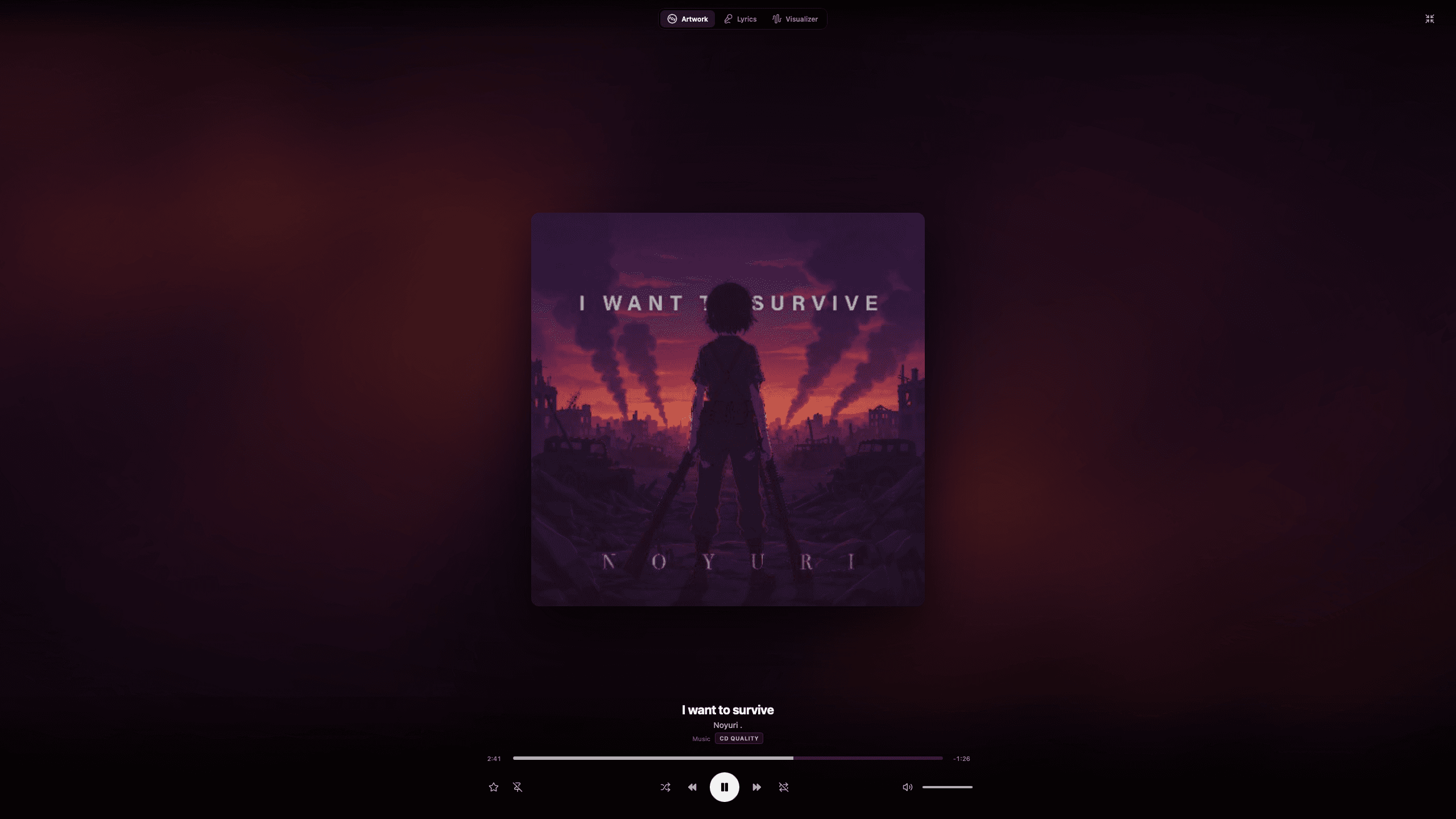
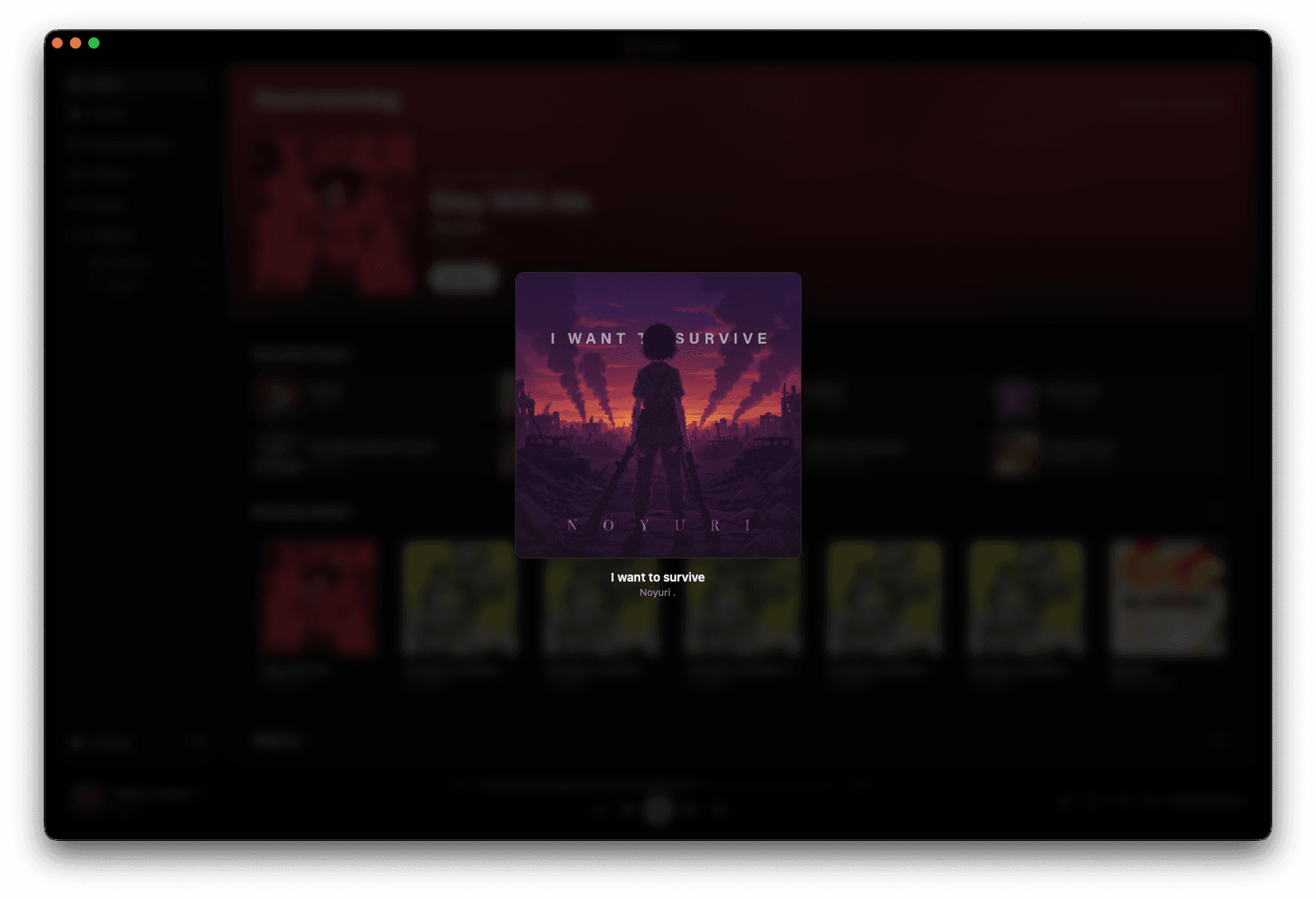
Tatsumi's immersive Artwork view: the album cover centred on an ambient wash lifted from the art, with the track title, artist, a CD QUALITY badge and transport controls beneath
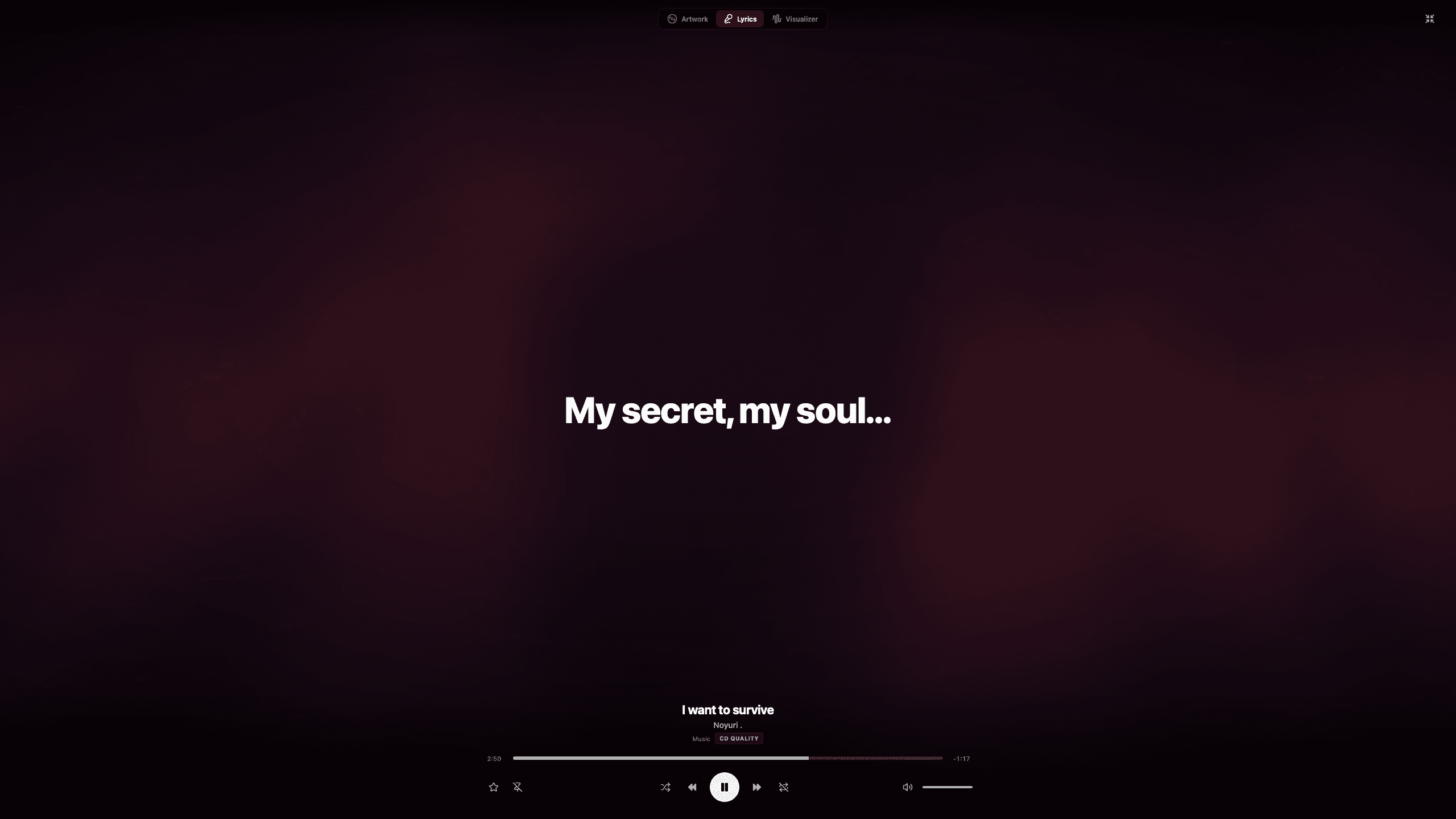
Tatsumi's immersive Lyrics view: a single lyric line held large and centred on an ambient wash, with the transport beneath

Or watch it instead.

MilkDrop presetsRotate & shuffle
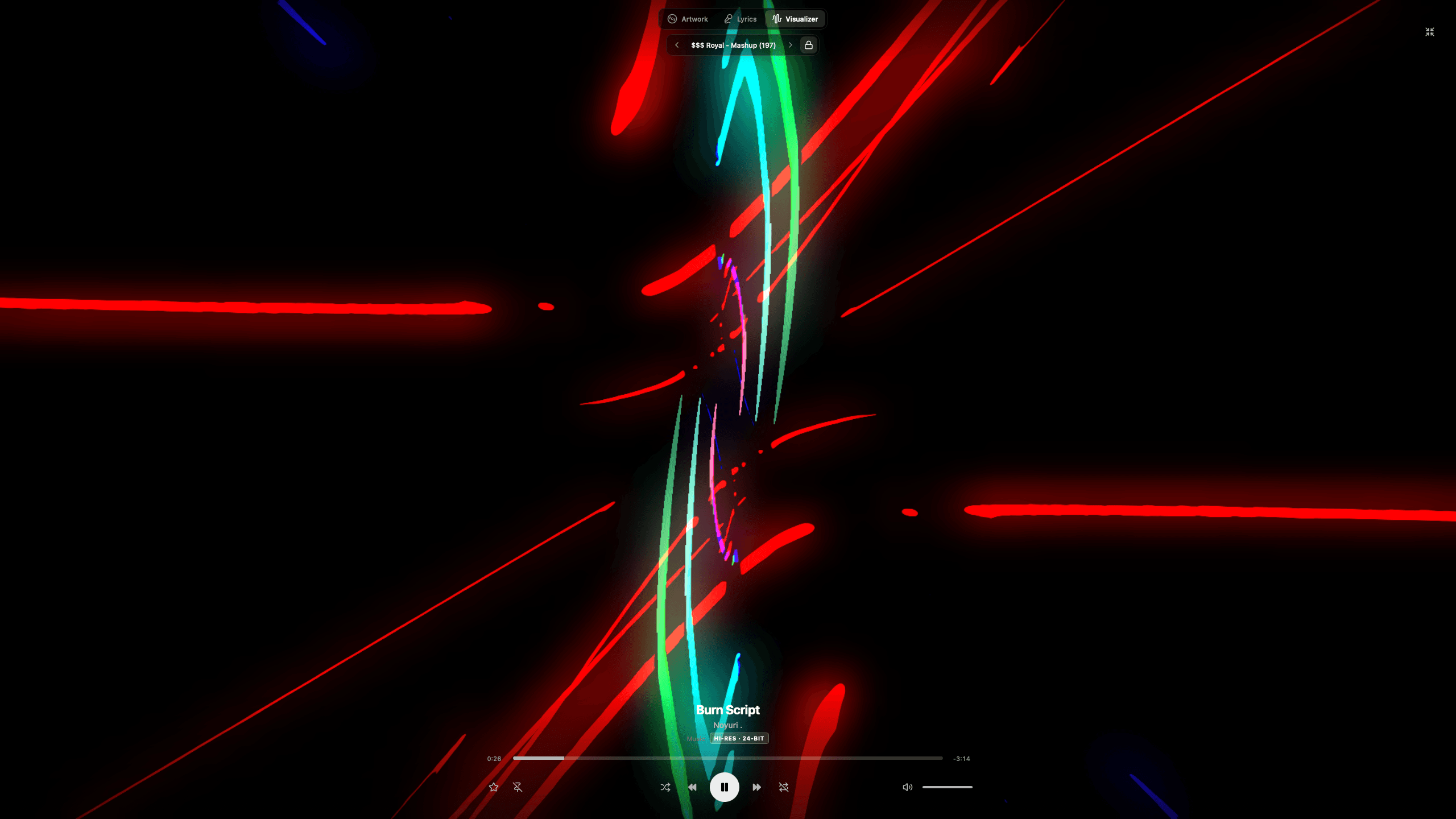
Tatsumi's immersive Visualizer view: a MilkDrop preset painting orange and cyan light trails across the full screen, with the preset name and the transport beneath
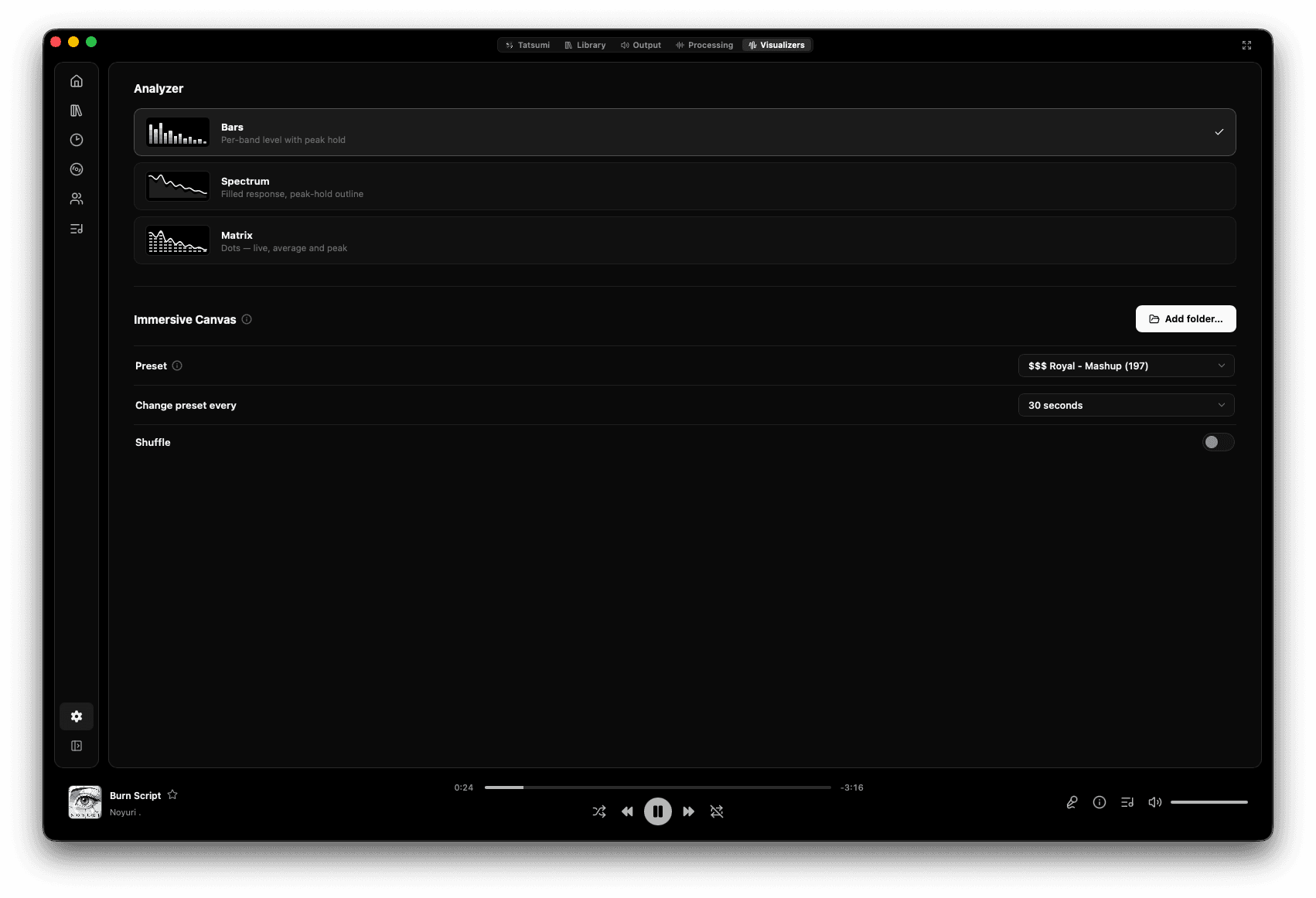
Tatsumi's Visualizers settings: analyzer styles Bars, Spectrum and Matrix with preview thumbnails, and an Immersive Canvas section with a preset picker, a change-preset-every interval and a shuffle toggle

Watch the signal.

BarsSpectrumMatrix
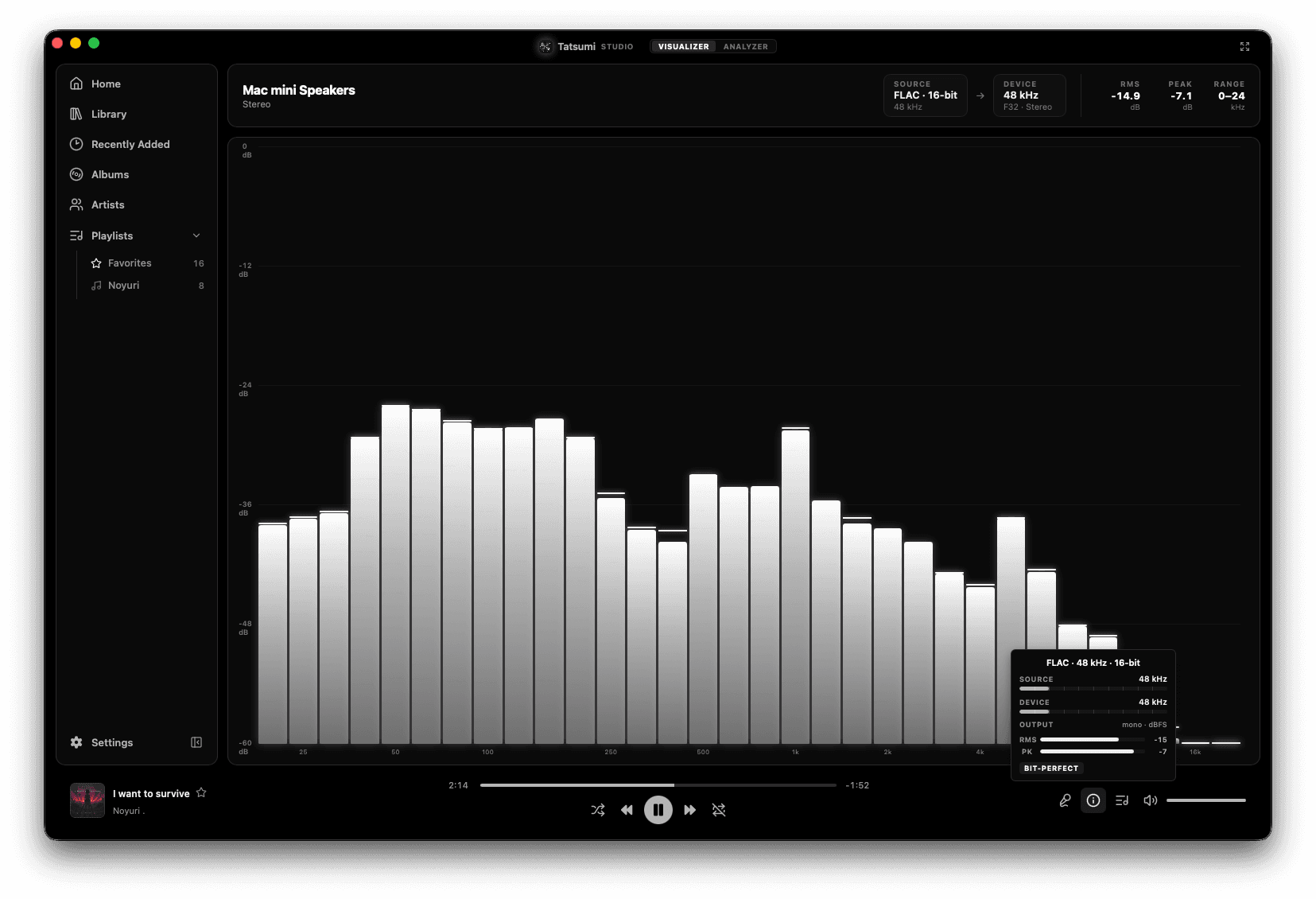
Tatsumi Studio's Bars visualizer over a live read-out of source, device, RMS, peak and range, with a popover showing FLAC 48 kHz 16-bit and a BIT-PERFECT badge
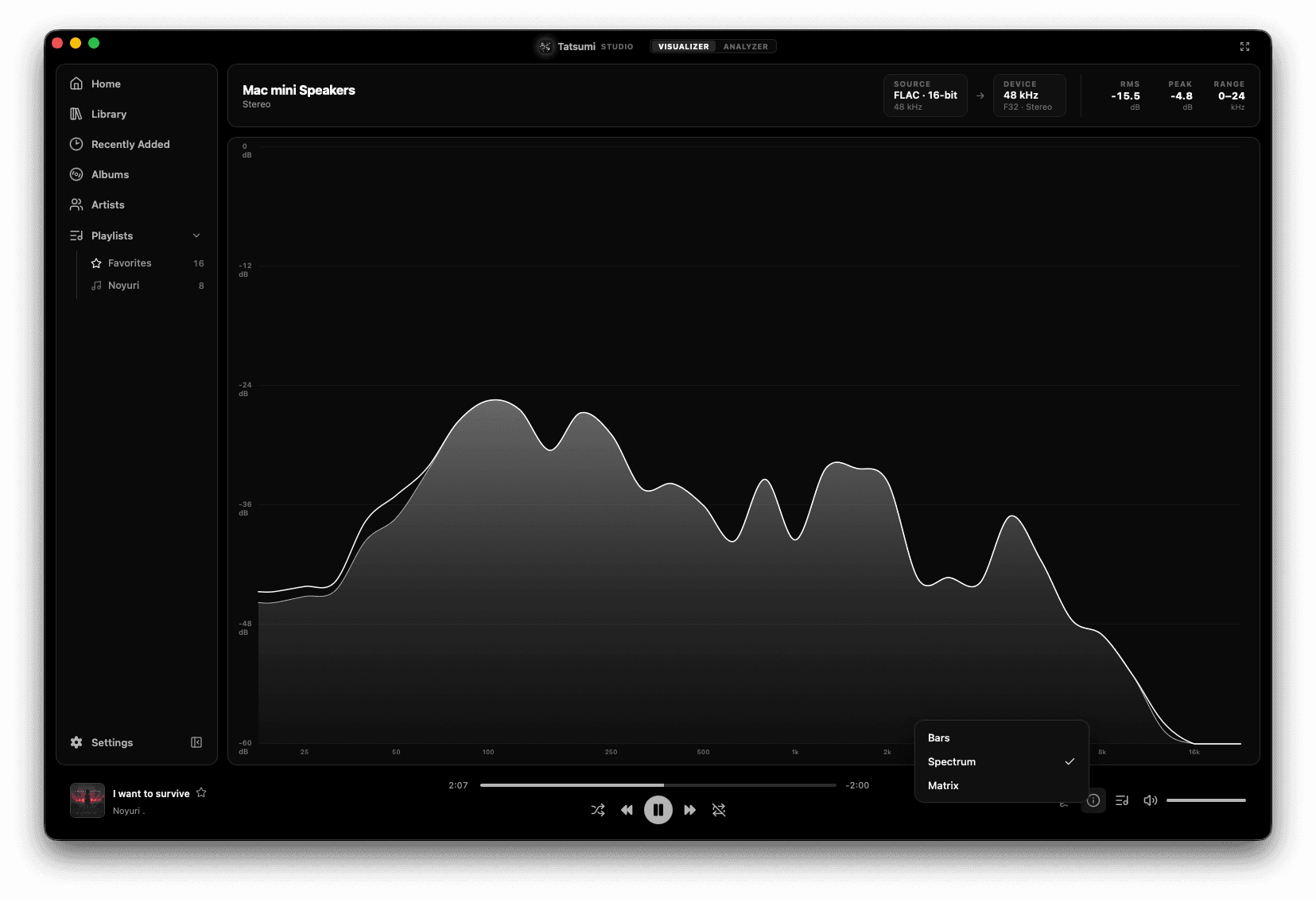
Tatsumi Studio's Spectrum visualizer: a filled frequency response with a peak-hold outline, and the style menu open on Bars, Spectrum and Matrix

Did the file earn its label?

BandwidthCutoff edgeBit depthNoise floor
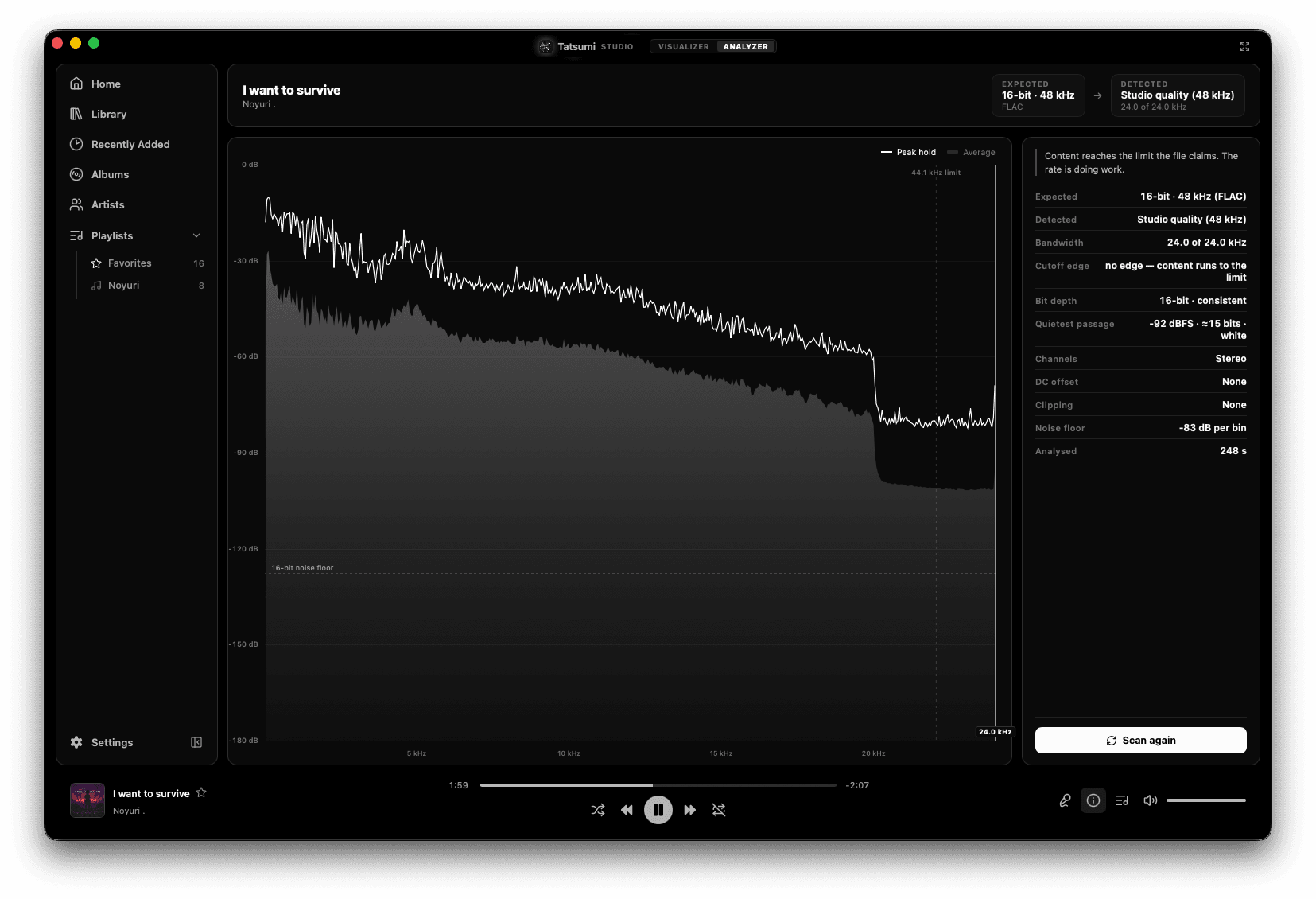
Tatsumi Studio's Analyzer: a spectral scan of a 16-bit 48 kHz FLAC beside a report listing expected and detected quality, bandwidth, cutoff edge, bit depth, quietest passage, channels, DC offset, clipping and noise floor
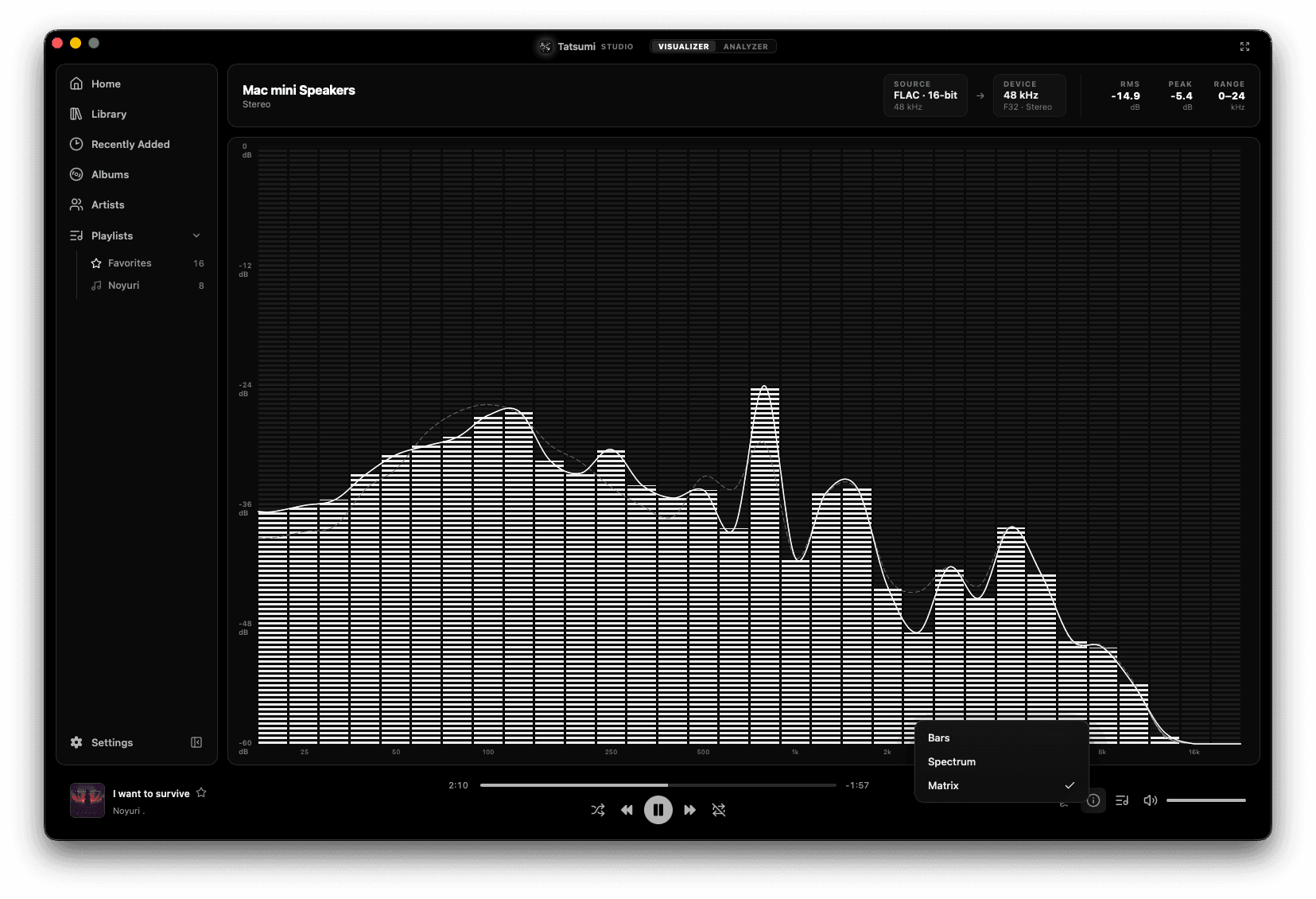
Tatsumi Studio's Matrix visualizer: per-band dot columns with live, average and peak traces overlaid

What's next. What played.

Queue & historySynced lyrics panel
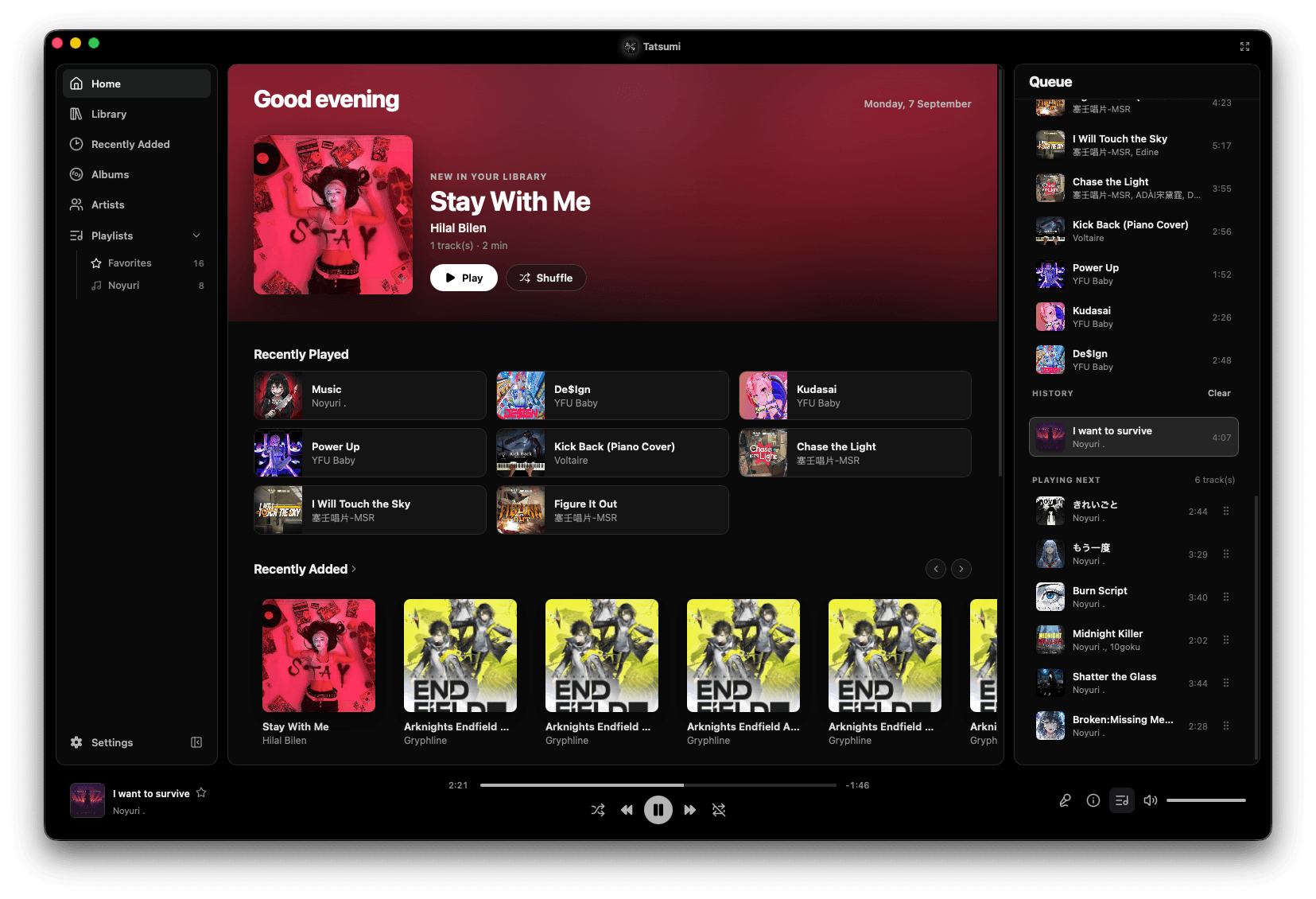
Tatsumi's Queue panel beside the home screen, showing the upcoming tracks, a History section and a re-orderable Playing Next list
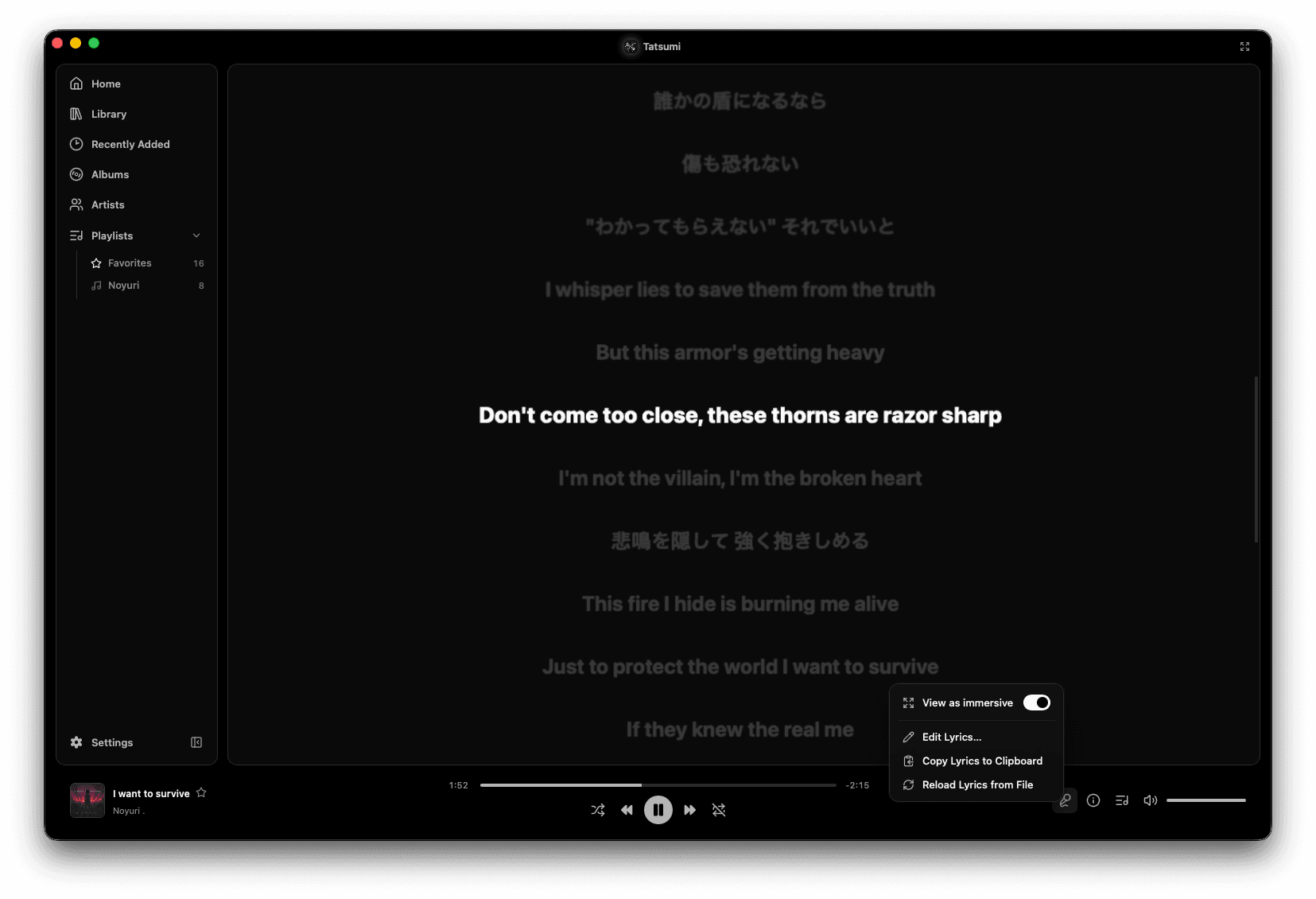
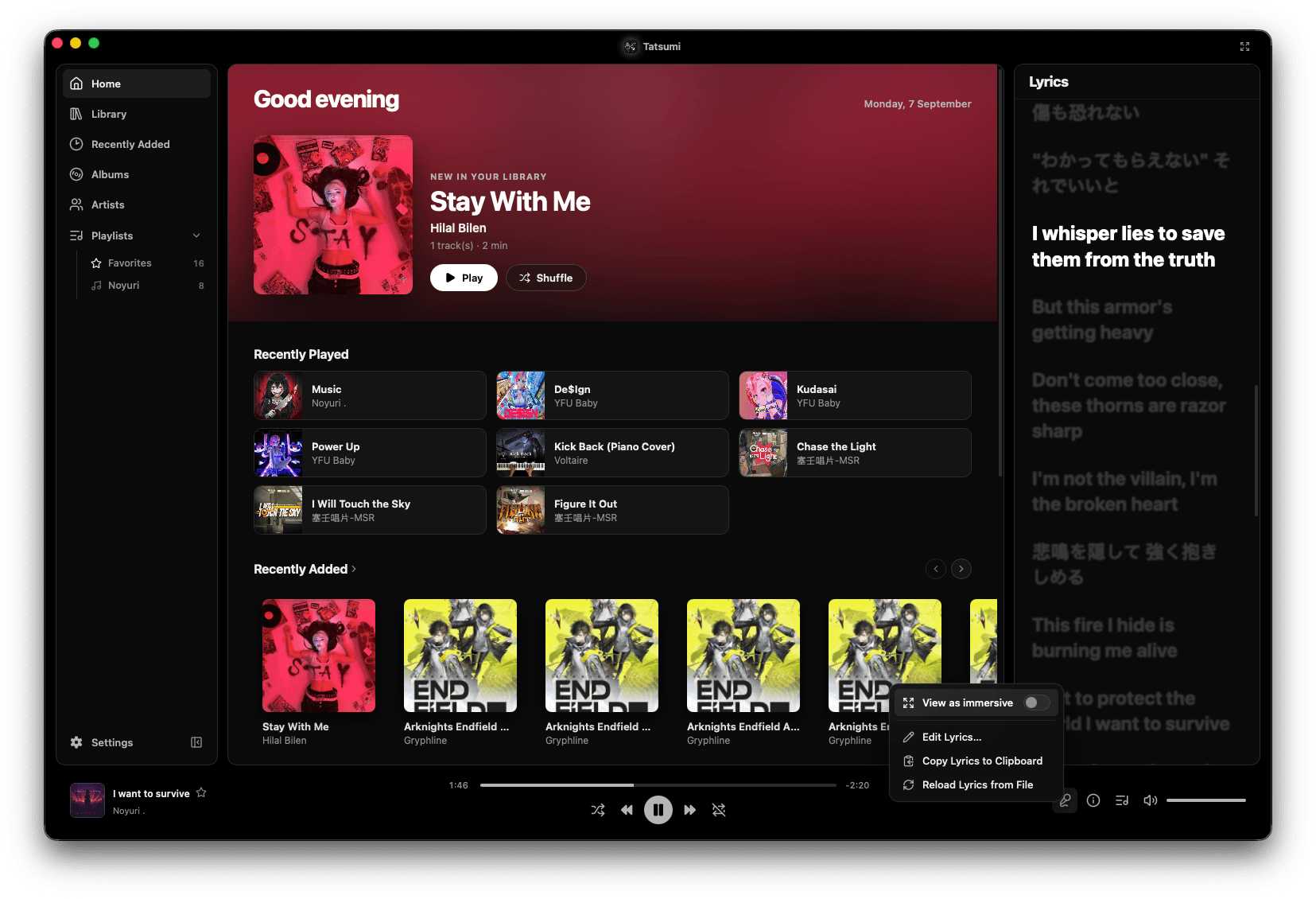
Tatsumi's Lyrics panel beside the home screen, the current line lit and the rest dimmed, with a menu offering View as immersive, Edit Lyrics, Copy Lyrics to Clipboard and Reload Lyrics from File
7
formats, no plugins
64
equalizer bands, at most
8
analyzer read-outs
2
platforms: macOS · Windows

Purchase opens soon.

Tatsumi isn’t for sale yet. We’ll tell you the day it is.

Notify me